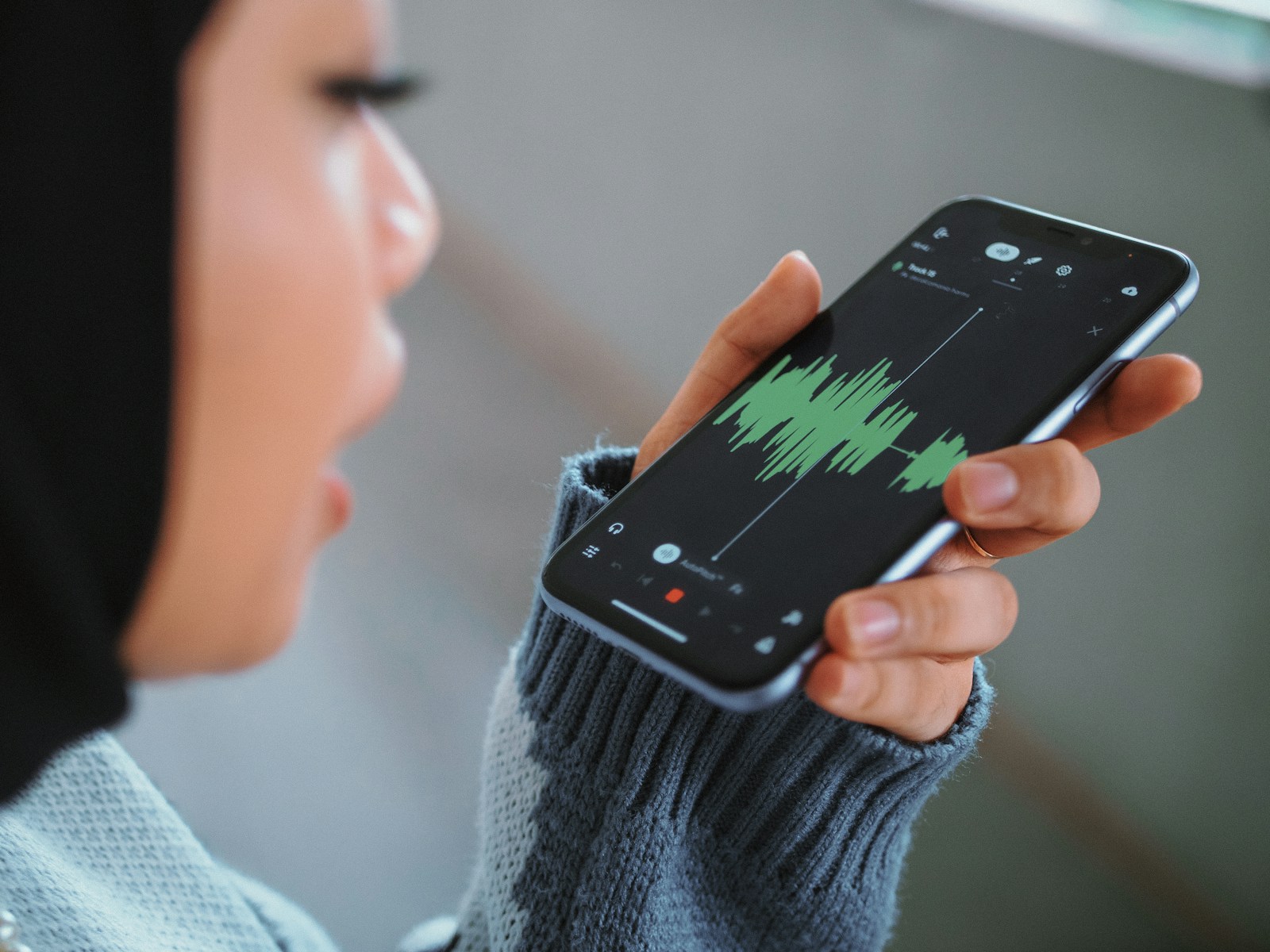
Dreaming of recording your own song but think you need a fancy studio? Your smartphone is all you need to get started. With the right apps and a bit of creativity you can turn your ideas into a finished track without leaving your room.
You don’t have to be a tech expert or spend a lot of money to make music that sounds great. Today’s smartphones pack powerful features that let you record edit and share your songs in just a few taps. If you’re ready to take the first step toward making your musical vision a reality you’re in the right place.
Why Record Your First Song Using Only Your Smartphone
Recording your first song using only your smartphone maximizes accessibility for beginners. Smartphones combine a built-in microphone, music-making apps, and editing tools, making complex equipment unnecessary. You access essential recording features in one device without extra purchases or complicated setups.
Saving time and money stands out when you record on your smartphone. Purchasing studio equipment or renting professional time costs $50 to $200 per hour, while smartphone apps for multitrack recording like BandLab or GarageBand are free or under $10. Editing and sharing tracks require only a few taps, removing barriers tied to more traditional workflows.
Creating songs anywhere becomes practical when you use a smartphone. Location constraints disappear; you can capture vocals in a bedroom, car, or outdoors. Quick inspiration gets recorded instantly without setup delays.
Experimenting with music production becomes more frequent when you use mobile apps. Users try mixing, layering, and effects faster than with traditional computer programs. Instant feedback helps you learn from mistakes and refine ideas with low risk and high reward.
Publishing music directly connects artists with digital platforms. Uploading completed songs to services like SoundCloud, TikTok, or YouTube from your phone makes sharing immediate, expanding your audience reach beyond local circles.
Essential Tools and Apps You’ll Need
Smartphones combine the tools necessary for home music recording. Core features let you capture, edit, and refine your songs right from the device.
Choosing the Right Recording App
Recording apps enable you to record, produce, and mix songs using only your phone. Apps like FL Studio Mobile and BandLab let you work on multitrack projects, supporting both vocals and instruments. Voice recorder apps come pre-installed on many phones, handling simple takes such as vocal demos or single-instrument tracks. For editing tasks, Descript provides audio trimming, noise reduction, and AI-powered transcription features that help polish your recordings. Make sure your chosen app can export high-quality audio files to preserve sound detail.
Additional Accessories for Better Sound Quality
Accessories boost your recording’s clarity and control. External microphones like lavalier, USB condenser, or shotgun types significantly improve vocal or instrument recordings compared to built-in mics—some require adapters if their connection doesn’t match your phone’s port. Pop filters or foam windscreens reduce unwanted plosives and wind noise in any vocal session. Over-ear headphones prevent audio feedback and help you monitor your mix in real time. Select accessories that suit your recording style and environment for best results.
Planning Your Song Before You Hit Record
Effective planning shapes your recording and eliminates avoidable mistakes. Focus on song structure, part selection, and workflow before pressing record on your smartphone.
Writing Lyrics and Composing Melodies
Refine lyrics and melodies before recording to streamline the process. Start with lyric ideas or melody sketches—many songwriters write lyrics first like poetry, then fit melodies (examples: humming, voice memos, or keyboard apps). Experiment with chord progressions using apps or instruments for simple repeated patterns, which support your melody and make transitions smoother. Avoid perfection on the first draft; capture your ideas quickly and edit later to keep creativity flowing.
Preparing Your Recording Space
Choose a quiet location, since background noise affects smartphone recordings noticeably. Position your phone’s built-in mic or earphone mic close to your mouth, minimizing handling noise by keeping the device stable. If you use apps like BandLab or Spire, take advantage of built-in effects and noise reduction to enhance clarity. Test recording levels with your chosen app and adjust position or volume to avoid distortion. Organize your session by making notes for each song section (such as verse, chorus, harmonies) and use a metronome app to maintain consistent rhythm throughout tracking.
Step-by-Step Guide: How to Record Your First Song Using Only Your Smartphone
Recording your first song with just a smartphone combines essential music technology with creative flexibility. Each step builds on mobile apps and tools to transform ideas into a polished track.
Recording Your Instrumentals
Capture instrumentals using a reliable mobile recording app on your device. Android users open the built-in Voice Recorder, set quality to 256kbps and 48kHz, then tap record. iOS users select apps like Otter for real-time high-quality recording and editing. External microphones compatible with smartphones, such as Lavalier mics, boost sound clarity in acoustic guitar or keyboard recordings. Minimize background noise by selecting a quiet room and placing your device close to the sound source.
Laying Down Your Vocals
Record vocals with wired headphones to avoid latency and preserve audio quality. Use the built-in mic on your headphones, positioning it consistently for every take. Apps like BandLab enable multitrack vocal recording directly on your phone, making it easy to capture harmonies or doubles. Record in echo-free rooms, like closets or spaces with soft furnishings, to improve vocal clarity. Leave a silent gap at the start and end, allowing for effective noise reduction later.
Layering and Arranging Tracks
Assemble your song by importing instrumental and vocal tracks into mobile music production apps. BandLab and FL Studio Mobile let you trim, shift, and mix multiple audio layers from your original recordings. Arrange song sections by dragging track regions, adjusting volumes, and adding built-in effects like reverb or EQ. Remove background hiss and balance audio levels using in-app editing tools. This approach produces a well-blended song ready for sharing or further refinement.
Editing and Mixing on Your Smartphone
Editing and mixing on your smartphone enable precise track shaping and refinement. Mobile apps like BandLab offer streamlined tools to cut, layer, and enhance your song without extra hardware.
Basic Editing Techniques
Basic editing techniques let you clean up and organize your song recording on your smartphone. Cutting trims unwanted noise or extra gaps from vocal or instrumental tracks—BandLab, for example, uses drag and drop for fast cuts. Fading smooths the beginning or end of clips, making transitions between parts seamless. Adding or inserting audio lets you layer extra vocals, harmonies, or instrument lines by stacking tracks within the app workspace. Consistent volume adjustment across clips helps balance your mix and prevent uneven loudness between sections.
Adding Effects and Final Touches
Adding effects and final touches brings professional polish to your smartphone mix. Effects like reverb or delay add space and dimension to vocals or instruments—BandLab’s built-in effects panel supplies these options for instant inclusion. EQ and compression enhance clarity, removing unwanted frequencies and regulating levels for a punchier result. Mix by balancing the relative loudness of each track, always monitoring with wired headphones for accuracy. Final adjustments, such as volume automation or stereo widening, shape your mix and prepare it for sharing or mastering. Experiment with effect combinations in the app until your song meets your expectations for quality and style.
Sharing and Releasing Your Finished Song
Share your finished song using your smartphone by uploading the demo to a free audio-sharing platform like SoundCloud. Reach friends and family first, as this creates a feedback loop before making your track available to a wider audience. SoundCloud offers a simple upload process and lets you control privacy settings, so you can limit access to your song or make it public.
Gather initial feedback by sharing your SoundCloud song link in targeted social communities, music forums, or group chats. Focus your request on honest critique about clarity, mixing, and creative choices, as this qualitative input guides your next round of edits. Take time to review this feedback and use it to refine your track for better audio quality and performance.
Delay releasing your first demo on mainstream platforms like Spotify or Apple Music until you’ve addressed core improvements based on early reactions. Direct distribution—without feedback—can limit your potential impact, as once tracks appear on these platforms, it’s harder to adjust or replace them without affecting your profile and reach.
Prepare your final version using your smartphone’s editing tools and export it in a high-quality format (for example, 256kbps or 320kbps MP3). Finalize cover artwork and metadata, as these details improve your song’s appeal and help listeners discover it.
Submit your revised track to digital music distributors such as DistroKid or TuneCore via their mobile-compatible websites or apps after completing revisions. These services send your song to Spotify, Apple Music, and other platforms, making your music publicly accessible to a global audience. Keep in mind that each distributor has different requirements and fees, so compare features before choosing one.
Track listener responses and monitor your release metrics—platforms like SoundCloud and Spotify for Artists provide play counts, demographic data, and engagement stats. Use these analytics to inform your future songwriting, production, and promotional strategies as you continue building your audience with only your smartphone.
Conclusion
Recording your first song on your smartphone is more accessible than ever. You’ve got the power to turn your musical ideas into reality right in your pocket. With the right apps and a bit of creativity, you can produce music that’s ready to share with the world.
Don’t wait for the perfect setup or expensive gear. Start experimenting, keep refining your process, and let your passion drive you forward. Your next song could inspire others—all it takes is your smartphone and a willingness to create.
No responses yet